Network Equipment Installation: A Complete Guide to Unit 1
Master the first unit of the Grade-12 network hardware book in plain language: cables, keystones, switches and racks, passive vs. active gear, T568A/B standards, and what the assessment grades.
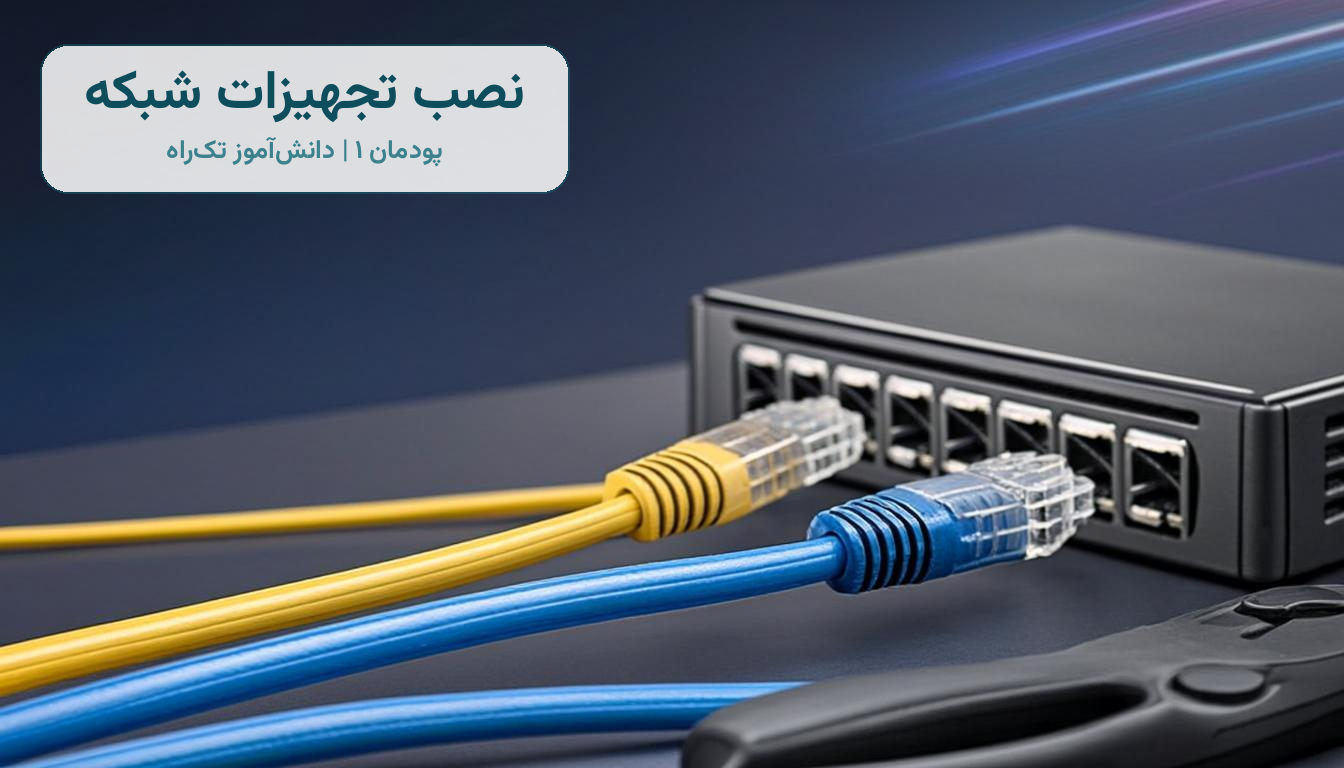
Imagine the school principal saying: “We have dozens of computers, none of them connected to each other; we have exactly one printer, and everyone has to shuttle flash drives back and forth between systems!” That is precisely where Unit 1 of the Network Equipment Installation and Maintenance textbook begins. In this unit you learn how to build a complete LAN infrastructure from scratch: from drawing the network plan and getting to know the cables and tools, to installing the rack, crimping ready-made cables, and running the final tests. In this article we have summarized and rewritten the whole unit, so you can both prepare for the exam and actually understand what your lab workshop is telling you.
What is a computer network, and why do we need one?
A network means connecting two or more computers in a way that lets them share their resources. In the textbook's story, Kousha is a member of the technical school's student council and must solve the school's problem with the help of his engineer father. The uses of a network go far beyond file sharing: saving time and money, sharing a single printer or one piece of software, online communication, and centralized management are all core reasons for setting one up. Once you understand this logic, the rest of the unit is just “tools and steps”.
The next important concept is the network topology: the arrangement and connection of the network's components according to a defined layout. Linear and ring topologies have practically been retired today, and the star topology is the king of local networks: every computer connects through its own dedicated cable to a central piece of equipment called a switch. The advantage is that if one system's cable fails, only that system drops off the network and everyone else keeps working; but that same central device is also the weak point — if the switch goes down, the whole network stops. These pros and cons are a favorite question in the assessment!
What is passive equipment?
Components that do not plug into power and play no role in generating or amplifying the signal are called passive equipment. They are the physical skeleton of the network, and in the workshop you will deal with them the most. Get to know the most important ones one by one:
- Twisted pair cable (TP): the most widely used cable in LANs, made of 4 twisted pairs of copper wire. Its variants are UTP (unshielded), STP (a shield around all the wires), FTP (aluminum foil), and the combined SFTP and SSTP types. The tighter the twisting and the better the shielding, the lower the noise.
- RJ45 connector and boot: the interface that connects a TP cable to network equipment. The plastic boot also protects the connector's locking tab from snapping off.
- Keystone: the connector that terminates the copper cable into a network outlet; it must match the cable's category (a CAT6 keystone for CAT6 cable).
- Network outlet: available in surface-mount and flush-mount types; it is where the keystone is installed.
- Patch cord: a ready-made cable with connectors on both ends, in lengths from 0.5 to 3 meters, used to connect a computer to an outlet or a patch panel to a switch.
- Duct and trunk: channels that carry and protect the cabling. A trunk is larger and sturdier than a duct and comes with accessories such as partitions, blockers, sealing strips, inner/outer/flat elbows, and T-joints.
Test yourself on cable categories with the table below; it is one of the most frequently asked short-answer questions:
| Cable category | Maximum speed | Common use |
|---|---|---|
| CAT5 | 100 megabits per second | Legacy networks and light workloads |
| CAT5e | 1 gigabit per second | The most common indoor network cable |
| CAT6 | 1 gigabit (up to 10 gigabit over short distances) | Modern organizations and workshops |
| CAT6a | 10 gigabits per second | Data centers and professional needs |
| CAT7 and CAT8 | 10 to 40 gigabits per second | Very high speeds and industrial environments |
Wiring standards: T568A and T568B
The TIA organization defined two standards, T568A and T568B, for the wire color order in an RJ45 connector or keystone; their only difference is that the green and orange pairs swap places. A cable terminated with the same standard on both ends is called straight, while a cable with one end wired A and the other B is called crossover. Straight cable is used to connect a computer to a switch, and crossover cable was used to connect two similar devices directly to each other. That said, now that network equipment has become smart, straight cable is what you will use most of the time, and what matters even more is following the color order exactly: non-standard terminations are precisely where a network vanishes in the middle of a job.
Active equipment: the beating heart of the network
Active equipment plugs into power and takes part in directing data or generating and amplifying signals. The network card is the computer's physical interface to the transmission medium, and each one has a unique physical address called a MAC address, built from 6 pairs of hexadecimal digits. A steady green light on the card means the connection is correct, and a blinking amber light means data is being sent and received — these lights are your first troubleshooting tool in the later workshops.
- Switch: the center of the star topology, with 4 to 48 ports, available as unmanaged models (plug-and-play, for small networks) and managed models (programmable and monitorable). The rackmount model installs in a rack; the desktop model sits on a desk.
- Router: its job is to find the best path for data packets and to connect networks to each other.
- Access point (AP): the bridge between the wireless and wired worlds; we cover its configuration in detail in Unit 3.
- ADSL modem: converts the computer's digital signal into a signal that can travel over a phone line, and back again.
- PoE equipment: Power over Ethernet supplies electricity through the network cable itself; it is ideal for IP cameras, network phones, and access points, because a single cable carries both data and power, and it can be hooked to a UPS so nothing shuts down during a blackout.
Racks, patch panels, and placement principles
A rack is the metal enclosure where equipment and servers are mounted; its unit of measurement is the unit (about 4.5 centimeters), and wall-mounted racks are usually 4 to 9 units tall. Inside a rack you will find important components such as a cooling fan, a power module, a shelf, and a thermometer that can switch the fans on automatically. The patch panel is a panel with a fixed number of ports (for example 24) that gathers all the cables running through the building's floors, labels them, and connects them to the switch with patch cords; it comes in loaded (keystones pre-installed) and unloaded (empty frame) types, and keeping the cables tidy with cable management is what makes you a professional.
Before cabling, follow a few golden rules for routing and placement: keep data cable away from power cable (the standard separation is 30 centimeters; if you must go closer, use FTP cable), keep the distance from computer to switch at 90 meters maximum or the signal weakens and you will need a repeater, connect all metal equipment to the ground (earth) network, and run ducts about 20 centimeters above the floor or below the ceiling. Estimate cable length correctly too: distance from computer to rack, plus rack to ceiling, plus 120 centimeters for working slack, plus 3 meters for error — and if the route passes windows, add twice the height of each window to the cable length.
The network plan and project documentation
In the final part of the unit you draw the network plan with software such as Microsoft Visio, then learn the paperwork stages of a project — the part that directly earns money in the working world: preparing an RFP (request for proposal and cooperation), a pro forma invoice with a LOM equipment list and a LOP price list, a WBS schedule, and finally an implementation and support contract. A professional network technician is not just a wire-crimper; they know how to price a 20-node project and present it to the client.
In short: Unit 1 comes down to “identify the equipment, build the cable, plan and invoice”. Master that trio and you will finish assessment stage 1 with a level-3 score — above expectations.