What Is Phishing? How to Outsmart Online Scammers
Every year, thousands of people lose money to fake bank messages. Learn the warning signs of phishing and stay one step ahead of the scammers.
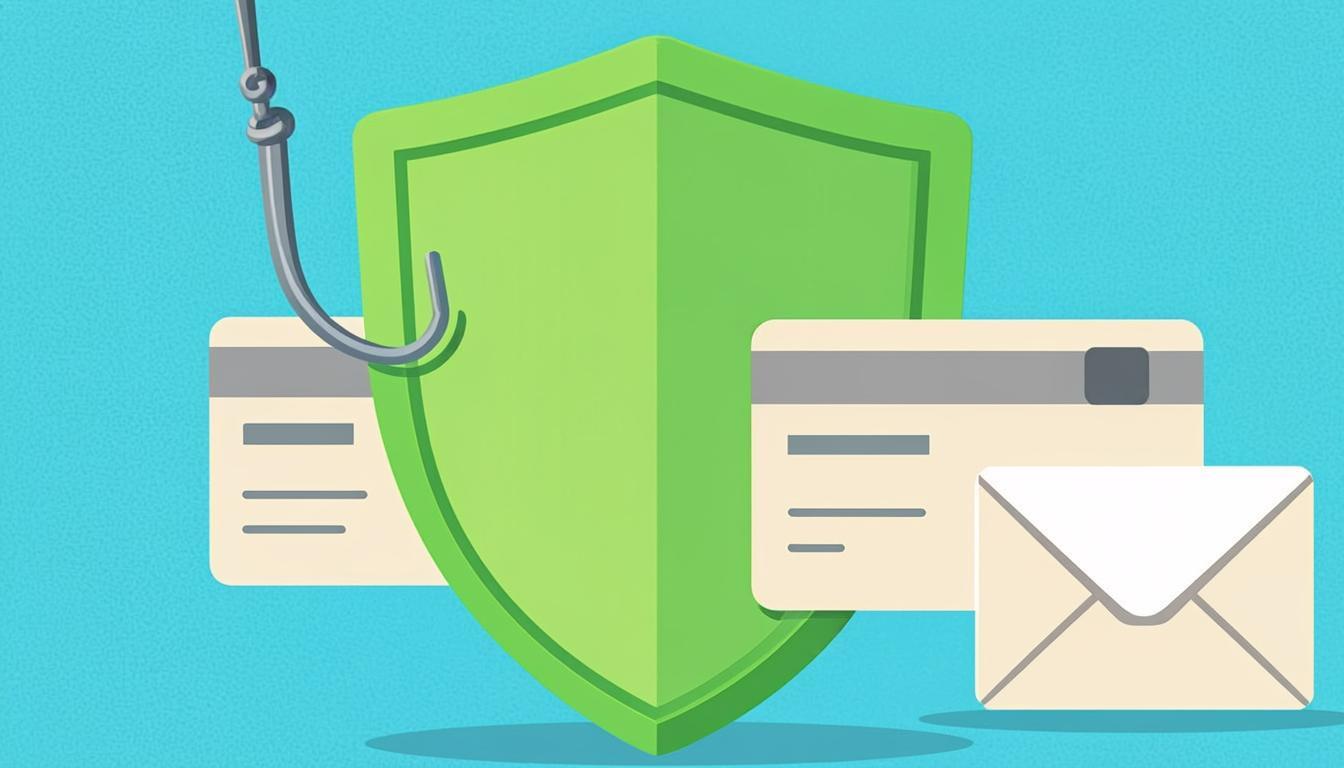
A message arrives from an unknown number: “Your bank account has been blocked. Click the link below and enter your card details to unblock it.” This scenario — happening to thousands of people every day — is the most famous example of a phishing attack: a scam in which the criminal impersonates a trusted organization to steal your sensitive information or your money. Unfortunately, phishing has become more professional than ever, and even experienced users sometimes fall for it. In this article you will learn how these attacks are designed, what warning signs they carry, and exactly what to do if you take the bait.
How does phishing actually work?
The word phishing comes from “fishing”: the scammer casts a hook and waits for you to bite. The attack always has three stages. First, they send an attractive or frightening message that demands an immediate reaction. Then they direct you to a fake page that closely mimics your bank's or a trusted service's website. Finally, whatever you enter there — your password, card number, CVV2, or one-time code — is recorded and used instantly. The crucial point: at first glance these fake pages genuinely look identical to the real ones — same logo, same colors, same forms. So relying on “recognizing the look” is not enough; you need to know the deeper signs.
Common types of phishing attacks
- SMS phishing: the most common type in many countries — messages about blocked accounts, fake prize draws, or unknown shortened links
- Email phishing: messages impersonating a bank, government office, or well-known store, asking you to “update your information”
- Vishing (voice phishing): someone calling and claiming to be a bank employee or police officer, asking for your details or the code just sent to your phone
- Social-media phishing: your friends' hacked accounts asking you for money or codes — the real victim is the friend whose account was stolen
- Fake pages in search results: scam sites advertised at the top of Google results that look exactly like the real website
Six warning signs you should memorize
For all their variety, scams almost always carry the same signs. If you spot even one of them, assume with very high confidence that you are being fooled and stop everything.
- Urgency and fear: “You only have 24 hours”, “otherwise your account will be closed.” Real organizations do not operate through fear and deadlines.
- Requests for sensitive information: no legitimate bank or organization ever asks for your password, CVV2, or one-time code by text or phone. Such requests are always fake.
- A suspicious link address: before clicking, look at the URL. Slightly misspelled domains, extra words, or unknown shortened links are red flags.
- Spelling errors and an unprofessional tone: official messages are reviewed before being sent; strange wording is not a sign of malware — it is a sign of a scammer.
- Requests to pay into a personal account: every official mechanism has its own payment gateway. Transferring money to an individual's card for “fees”, “fines”, or “taxes” is 100% fraud.
- Unexpected attachments: executable or compressed files in emails you were not expecting likely carry malware.
A real-world scenario, reviewed
Mrs. Rahimi receives a text that appears in the same thread as her bank's real messages, saying her card is about to expire and she must update her details via the link. The page that opens looks exactly like the bank's website. She enters her password and card number, then the one-time code. Seconds later she receives a transfer notification — money leaving her account that she never authorized. What happened? The message used sender-name spoofing, the bank page was fake, and the one-time code she entered was actually the confirmation code for the scammer's transfer. A single pause — or one call to the bank's official support number — would have stopped all of it.
If you become a victim, do this right now
Speed is the single most important factor in limiting the damage. If you entered your card details or password on a suspicious page, or notice an unauthorized charge, the order of actions is: first, block the card immediately through your banking app or the bank's official support line. Second, contact your bank branch and report the incident so transactions can be traced and, if possible, file a fraud report. Third, change the password on every account that used the same password. Fourth, if you shared a one-time code with anyone, lock all related services immediately through official channels. Finally, pursue the matter through law enforcement; staying silent only helps the scammer.
Protective tools that actually help
Alongside awareness, a few simple tools add a solid defensive layer. Modern browsers such as Chrome and Firefox automatically block a large share of known phishing sites — take those warnings seriously. Install your browser or antivirus only from official sources so their malicious-site filters work properly. Keep installation of apps from unknown sources disabled on your phone. And most importantly, teach your family members — especially the older generation, who are the prime targets of these scams — the warning signs above. A five-minute conversation can prevent a devastating financial loss.
The bottom line
Phishing does not attack technology; it attacks human emotions — fear, greed, and hurry. That is why even the best antivirus in the world cannot replace an aware user. Keep three rules in mind at all times: never share sensitive information over text or phone, never open a link in a rush, and when in doubt, always contact the organization yourself through its official number and genuine app. Spread these three rules at home, and the digital predators will slowly go hungry.